Skip to the content

The easiest way to pay

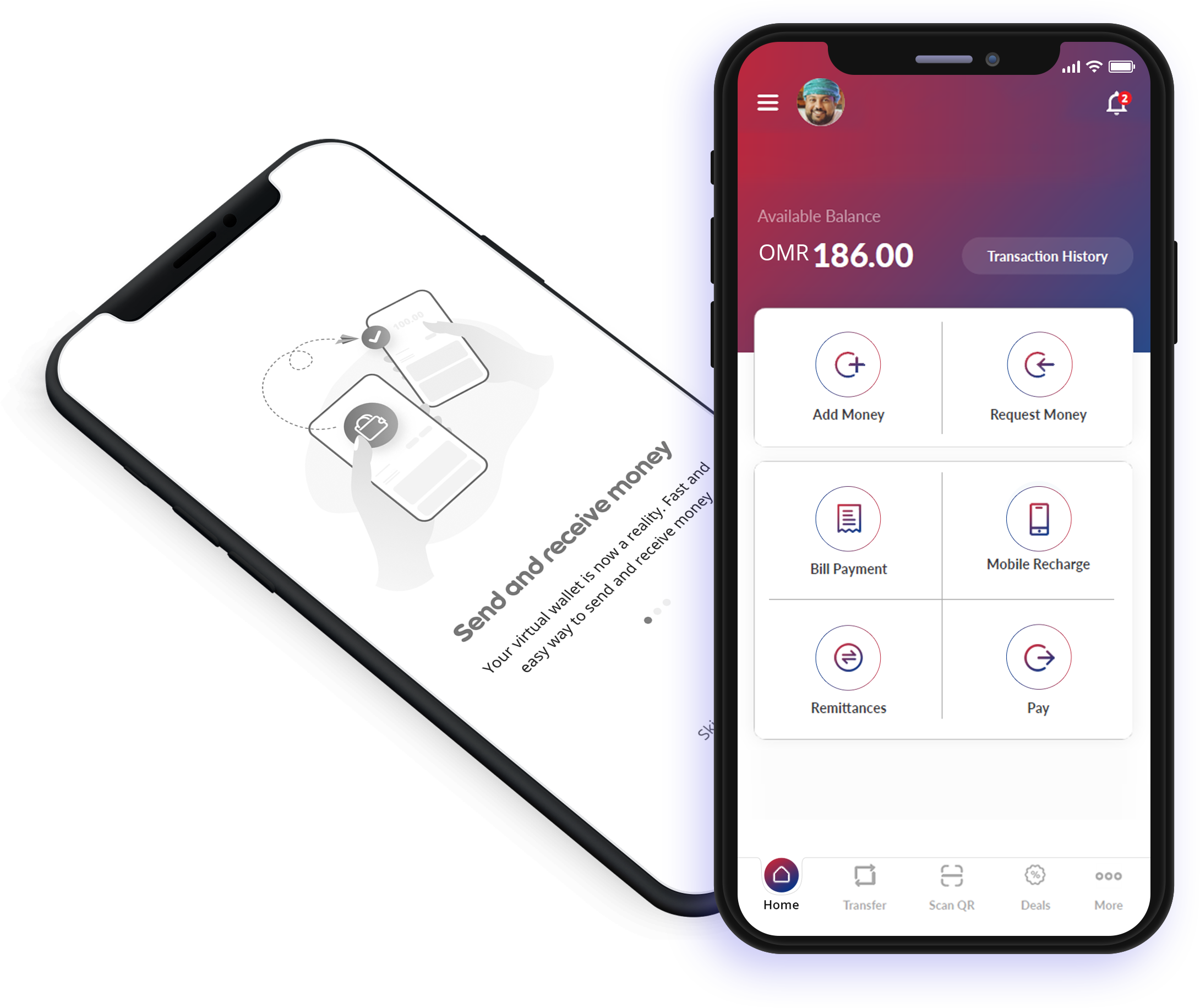
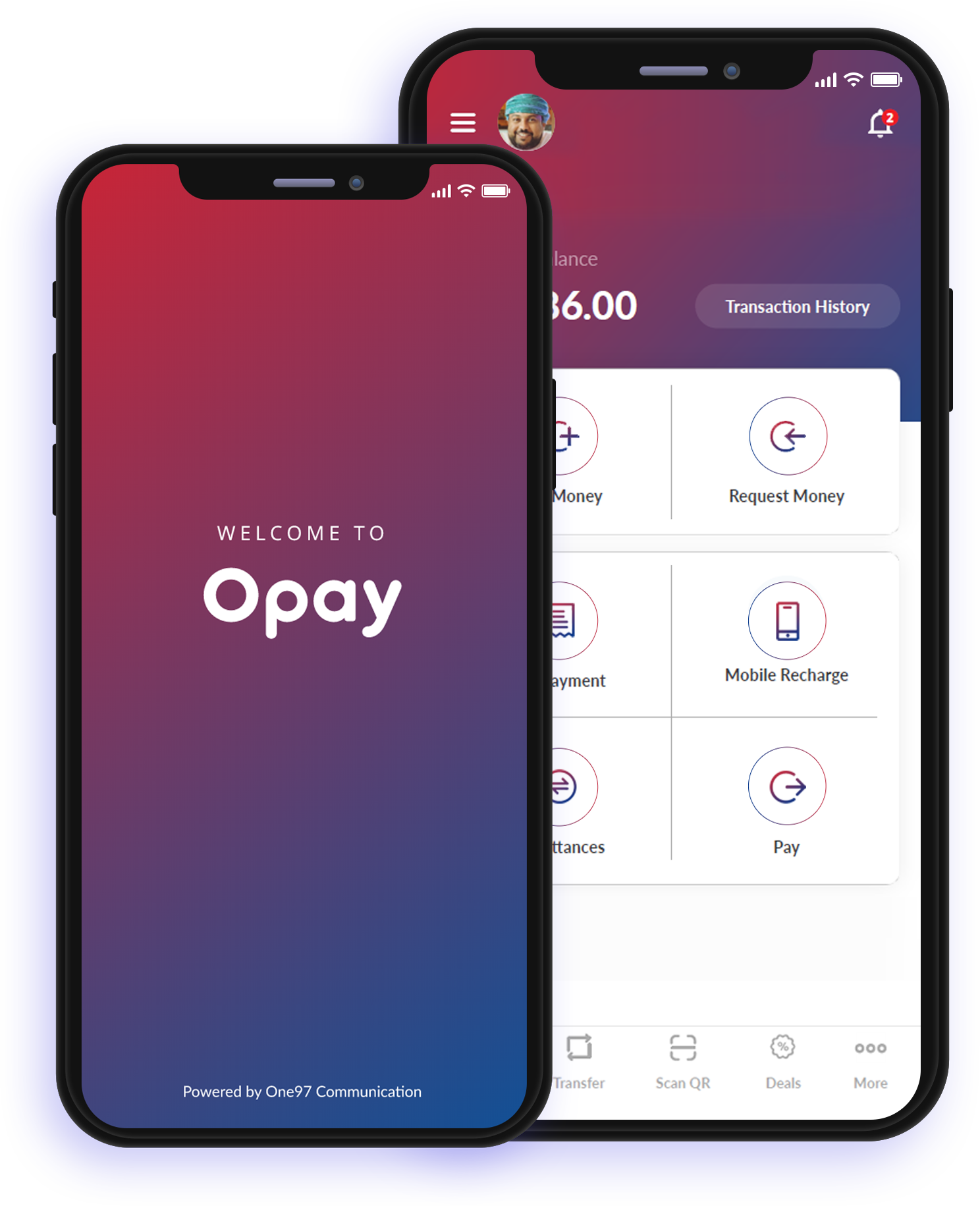
Pay+ is a fast, simple and secure way to pay using your smartphone. Pay+ is a mobile wallet which allows you to make deposits, withdrawals, local and global transfers and bill payments, just by using your mobile number. It protects your payment information with multiple layers of security and makes it easy manage your finances from a single app.
image

What can Pay+ do?

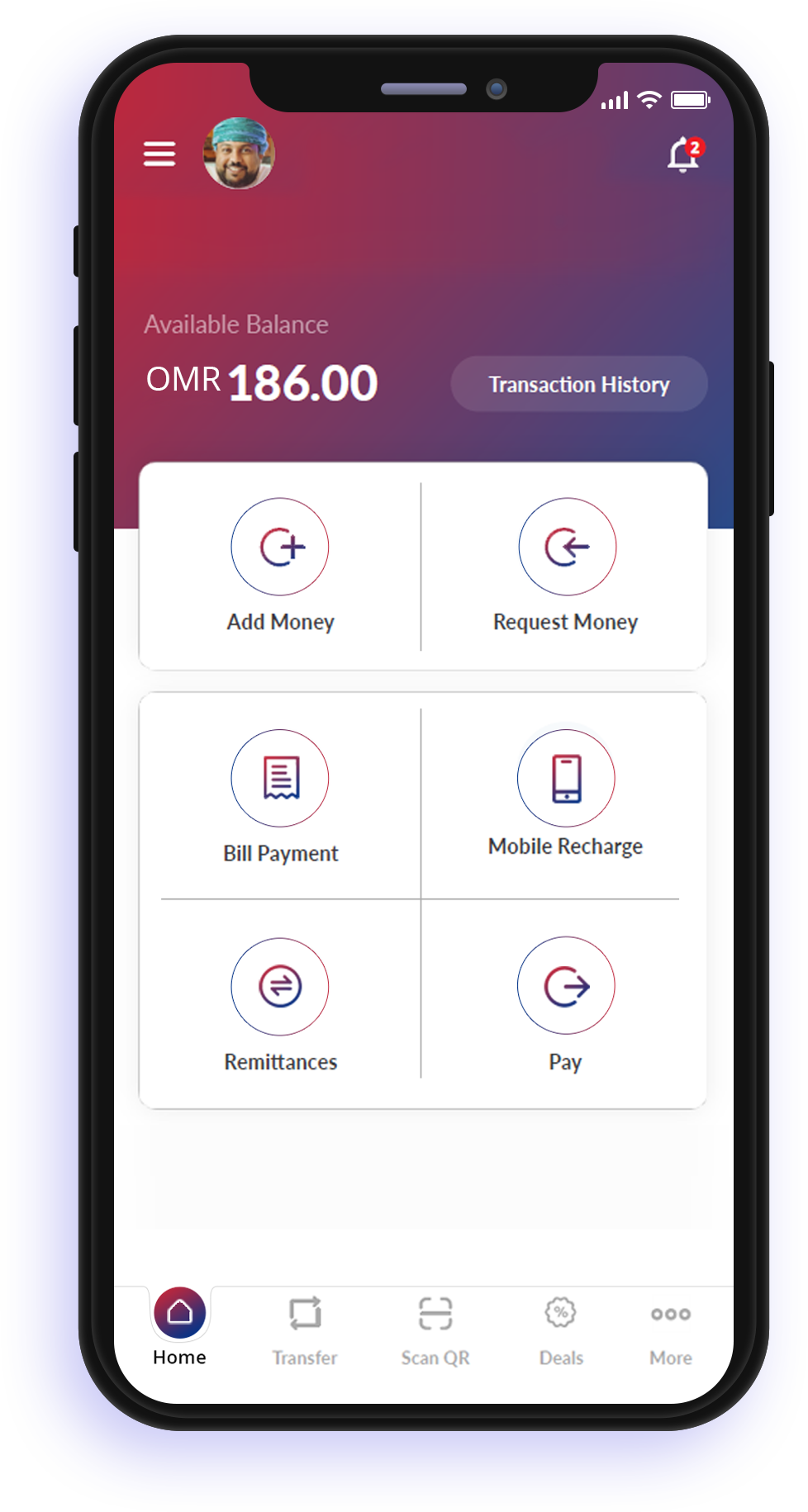
Add money

You can add money to Pay+ through any local debit card or by visiting your nearest Ooredoo store.

Pay at merchants

Use your phone to pay in restaurants and stores and with a faster checkout process using Pay+.

Local money transfers

Pay+ offers a fast, simple and secure way to send money to friends and family in Oman.

You can now transfer money from your Pay+ Wallet to:

– Any other Pay+ Wallet by simply entering the owner’s mobile number.

– To any local bank account within Oman.
Aonomy Feature

International money transfers

Transfer funds instantly to any bank account in India. We are working on expanding our global network to other countries as well.

Mobile top-ups

Top up your mobile number through Pay+ to all mobile operators in Oman (Ooredoo, Omantel and FRiENDi).

Bill payments

Pay your postpaid mobile bills for any number with any operator through Pay+.

About us

A mobile wallet for your daily payments wherever you are. In line with the country’s vision to progress and diversify digital services; Ooredoo Oman and the National Bank of Oman (NBO) have joined forces to bring you Pay+.

Our vision is to pioneer the delivery of financial services and unlock new possibilities for customers. We share a future vision with customers and businesses to provide new and innovative technologies and digital payment experiences.

By leveraging Ooredoo’s vast network and NBO’s banking expertise, we are able to empower merchants and customers through our secure digital wallet solution, Pay+, enabling quick, easy and secure transactions. Pay+ is approved by the Telecommunications Regulatory Authority (TRA) in Oman and endorsed by the Central Bank of Oman.

Merchant Services

Opay is a highly secure digital wallet service that empowers consumers and merchants to take full control and manage their finances anytime. It enables all merchants to track payments, issue instant refund, view dashboard and much more.

Track Payments

Track all the payments you receive, generate and download reports and view a fully robust dashboard.

Instant Refund

You can instantly refund your customers anytime without any hassles.

Quick Onboarding

Onboarding is quick and easy. We are always a tap away and ready to help anytime.

Frequently ask questions

We are here to help

My Account
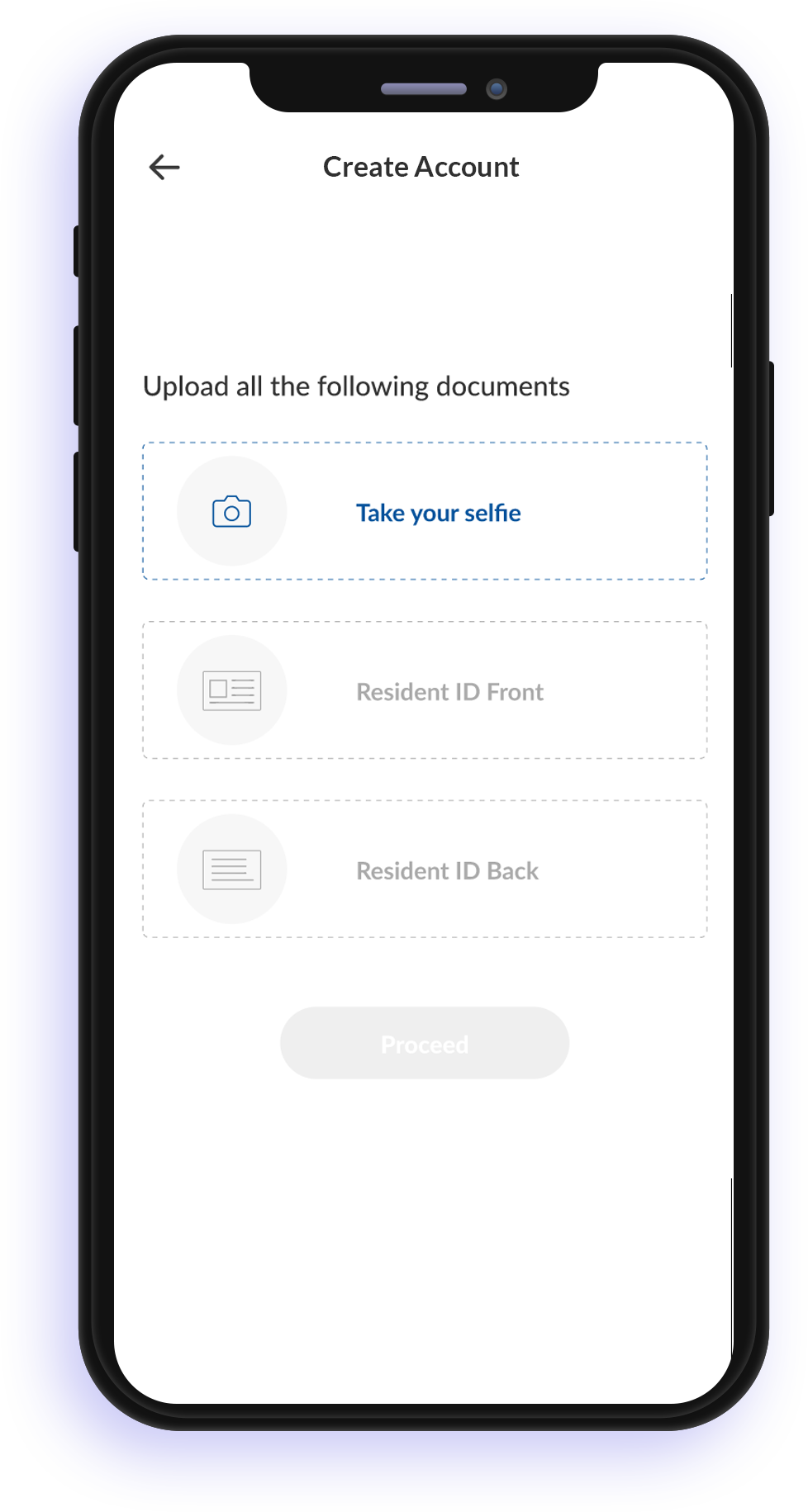
Registration for a Pay+ wallet is as simple as taking a selfie. Download the app (links to be added here), enter your mobile number, take a smart (is this necessary?) selfie, upload your ID copy and you are ready to experience your Pay+ wallet.
Your data privacy is of the utmost importance to us. Pay+ asks you to verify your mobile number and email to ensure the right owner of the number is registering for the Pay+ wallet.
Pay+ wallet lets you add, send, spend, remit and pay money. The wallet can be used for multiple services.
You need to have access to your mobile number to use your Pay+ wallet. In case you no longer have access to the mobile number or you have changed your mobile number, please visit your nearest branch to terminate the account and register for a new Pay+ account with the new number.
Use the ‘Forgot Password’ option on the login page, verify details and set your new password and you are ready to make transactions.
Select the ‘Change Password’ option. Verify your existing password, enter the new password of your choice and you are ready to transact again.
Select ‘Update Email Address’ and enter your new email ID.
Select the ‘Change Mobile Number’ option. Enter your new mobile number. Please note that Pay+ wallet will send a verification code to be entered on the next screen to ensure data privacy.
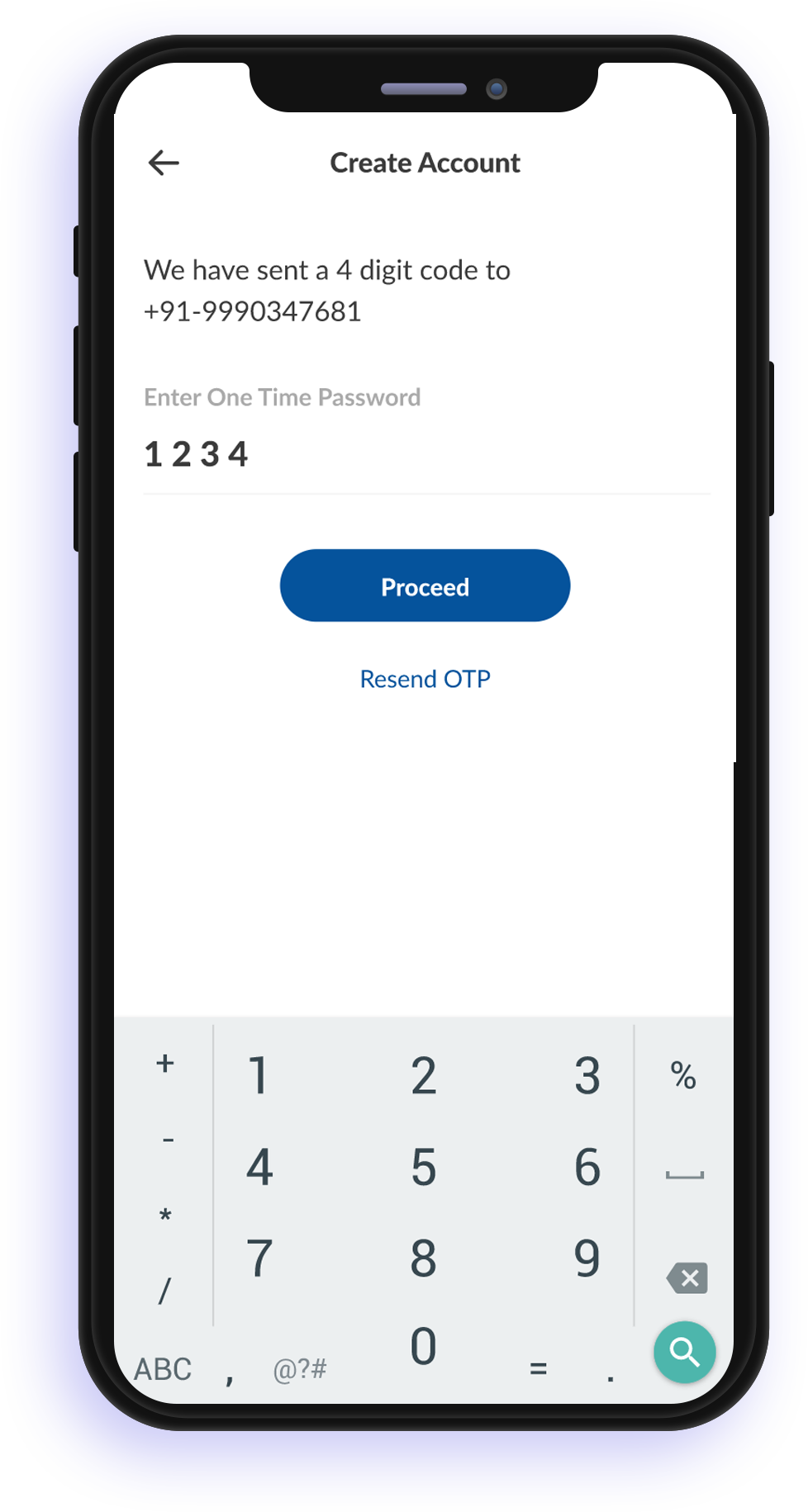
Pay+ wallet verifies the mobile number via a verification code (One-Time Password) sent to your registered mobile number during the registration process.

Add Money / Cash In

You can add money to your Pay+ wallet in multiple ways.

  • Add money using any bank card issued in Oman
  • Visit your nearest NBO branch or Ooredoo store for an assisted add money transaction
  • Visit your nearest NBO CDM and deposit money into your Pay+ wallet.

Yes. The CBO has mandated guidelines on wallet balances.

For full KYC accounts – the maximum allowed balance is OMR 500.

For simplified KYC accounts – the maximum allowed balance is OMR 250.

Money added will be credited instantly to your Pay+ wallet.
Added money is instantly credited to your Pay+ wallet. If there was a network error or transaction failure, we suggest you wait for the transaction to be reversed or the status to be updated.
Added money is instantly credited to your Pay+ wallet. We advise you to confirm the credit to your Pay+ wallet before leaving the store premises.

Pay / Send Money

Yes, there will be a nominal transaction fee applicable when you transfer money to another Pay+ wallet. Please refer to the Transaction fees matrix.
Yes, you can send money to any Pay+ wallet. There will be a nominal fee applicable when you transfer money to another Pay+ wallet.
All merchants equipped with QR code or QR enabled PoS machine will accept payments through the Pay+ wallet. We are growing our network of merchants every day.
We notify transaction status via SMS messages and push notifications on the app. You can also see the transaction status by selecting the ‘Passbook’ option.
Select the ‘Transaction History / Passbook‘ option to view a list of recent transactions.
All transactions are completed in real time and cannot be cancelled. We urge you to verify details before confirming any transaction.
Sending money to another Pay+ user is very simple. Select the ‘Send Money’ option, enter recipient’s mobile number, amount and authorise the transaction with your passcode.
Yes, Pay+ charges very nominal fees to send money to another Pay+ wallet.
Please refer to the Transaction fees matrix for details.
There are limits applicable for wallet balances and money that can be transferred. Please refer to the applicable Transaction limits matrix for details.
The total of all debit transactions cannot exceed OMR 250 per day.
There is no limit on minimum amount that can be transferred between wallets.

Bill Payments

Simple – select the ‘Bill Pay’ option. Select the operator, enter the mobile number, amount and authorise the transaction with passcode.
Yes, you can make bill payments for any mobile number.
Please ensure there is network connection, sufficient account balance and that you are authorising it with the correct passcode. Please call Customer Care with the error message for further assistance.
Please verify the transaction status by selecting ‘Transaction History / Passbook’. If the transaction failed without a recharge, then the amount will be credited back to your account.
Unfortunately, there is no way to cancel a transaction once initiated. If the transaction has failed, the amount will be credited back to your account. Please reach out to Customer Care at (cc number) for assistance.
All pending transactions are reconciled periodically and the transaction status updated.
Please verify the transaction status by selecting the ‘Passbook’ option. Sometimes the network takes some time to update airtime credit or bill payment status.
Do not worry. Transactions are reconciled periodically and the amount will be credited back to your account for failed transactions.
All transactions are processed in real time and cannot be cancelled or reversed. Please ensure you enter the correct mobile number and amount before authorising transactions.

Transfers to a Bank Account

Select the ‘Transfer’ option, enter the recipient’s bank account number, bank name, amount and authorise the transaction with a passcode.
There are very nominal fees applicable for transferring money to a bank account. Please refer to the Transaction fees matrix for the latest applicable fees and charges.
There are applicable transaction limits set by the CBO. Current limits are a maximum of OMR 250 for simplified KYC customers and OMR 500 for full KYC customers.
Please check the transaction status under the Passbook option and verify the balance. If the amount has been deducted while the status shows as failed, please contact our Customer Care team for assistance.

Payments to Merchants

Please ensure that the merchant is accepting payments through QR code. Scan the QR code, enter the amount and authorize the transaction with passcode.
Merchants do not charge any fees. However, there can be nominal charges levied by Pay+ for transactions.
All transactions are processed in real time. Confirmation messages are sent to both Pay+ wallet and merchant.
As long as the merchant is ready to accept split payments, you can pay part of the amount with the Pay+ wallet and part of the amount with your card.
All merchants enabled for QR code payments can accept payments using the Pay+ Wallet.
Users are requested to verify transaction details before authorising with a passcode.
You can check a transaction status by selecting the ‘Passbook’ option.

General

The Pay+ application will work on all Android and iPhones.
Currently the Pay+ mobile wallet can only be used in Oman.
As per CBO regulations, you can only have one Pay+ mobile wallet account.
We recommend that customers use the Pay+ wallet registered in their own names. You may open another Pay+ wallet for spouses or children (above 18 years) for added convenience.
There is no interest paid on Pay+ mobile wallet account balances.
Yes, you may use your Pay+ wallet for payments to buy petrol as long as the petrol station is equipped to accept wallet payments via QR code.
To safeguard the accounts, the CBO has mandated transaction limits for Daily, Weekly and Monthly. We recommend that you refer to the transactions limits table.
You are required to authorise all transactions with a passcode to ensure that you are performing the transaction.
You can see a list of transactions using the ‘Passbook’ option on the Pay+ application.
The Pay+ mobile wallet application is linked to one mobile number, phone and login credentials and hence is allowed to work on one phone only.
If you change your phone or device, we recommend that you log out of the application on your old phone, install the application on your new phone and verify your details once again to start using your Pay+ wallet.

How to register

Android users can head to the Google Play Store (link to be included here) to download and install the Pay+ application.

iPhone users can visit the App Store (link to be included here) to download and install the Pay+ application.

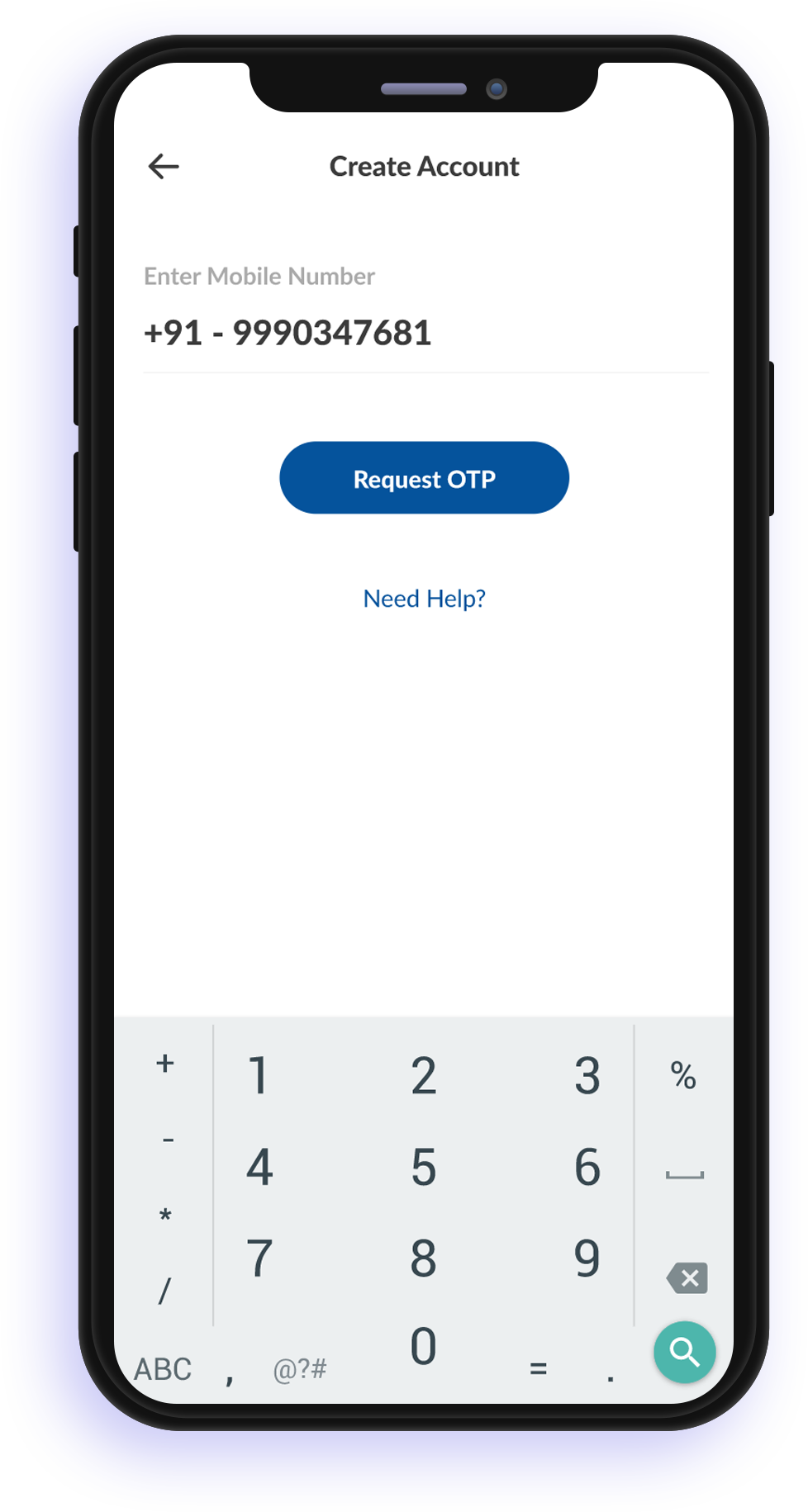
  • 1. Download and install the Pay+ mobile wallet application from Google Play or Apple App Store.
  • 2. Select ‘Create Account’
  • 3. Enter your mobile number and verify your mobile number with the given OTP code.
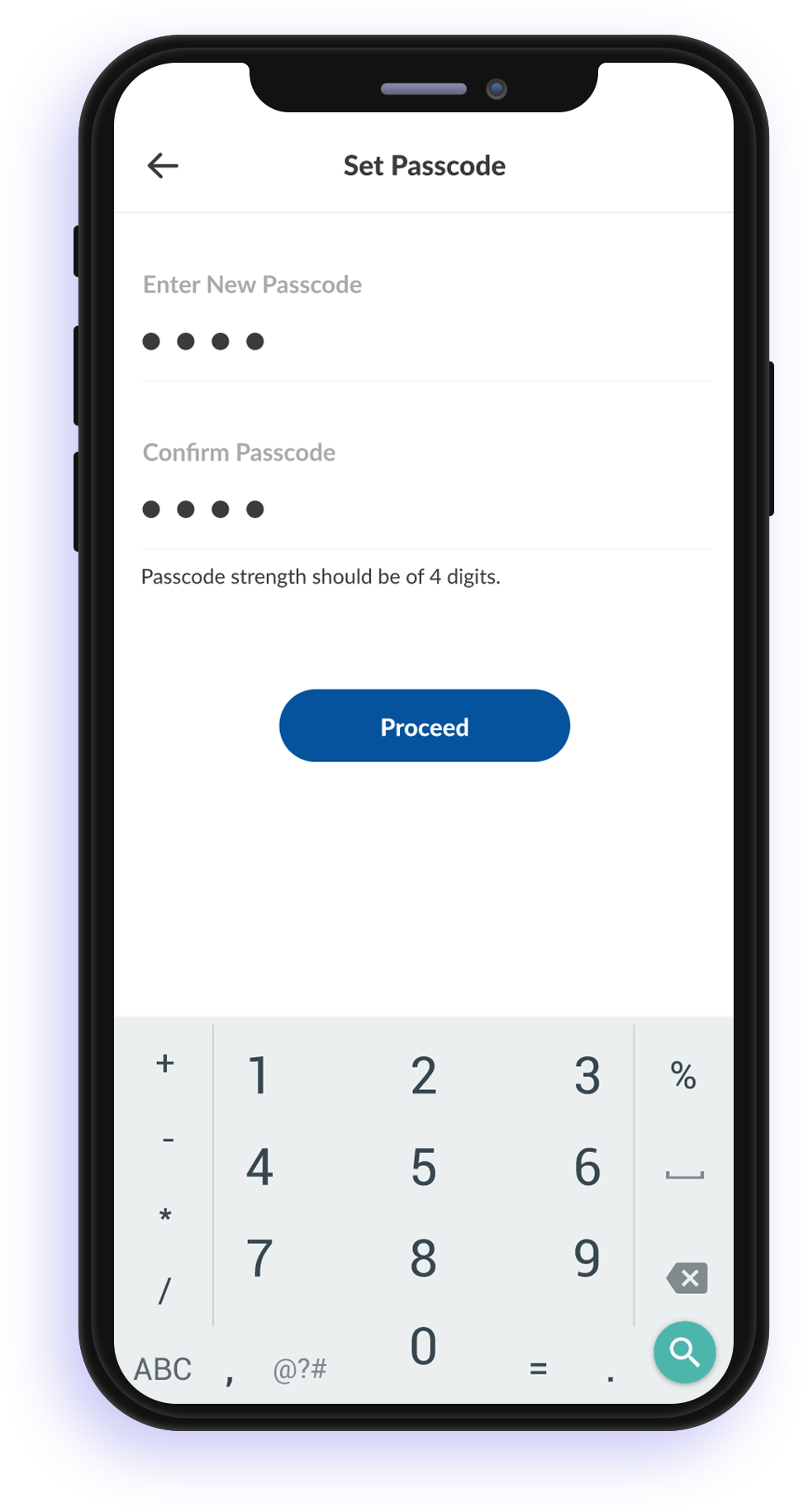
  • 4. Set your passcode.
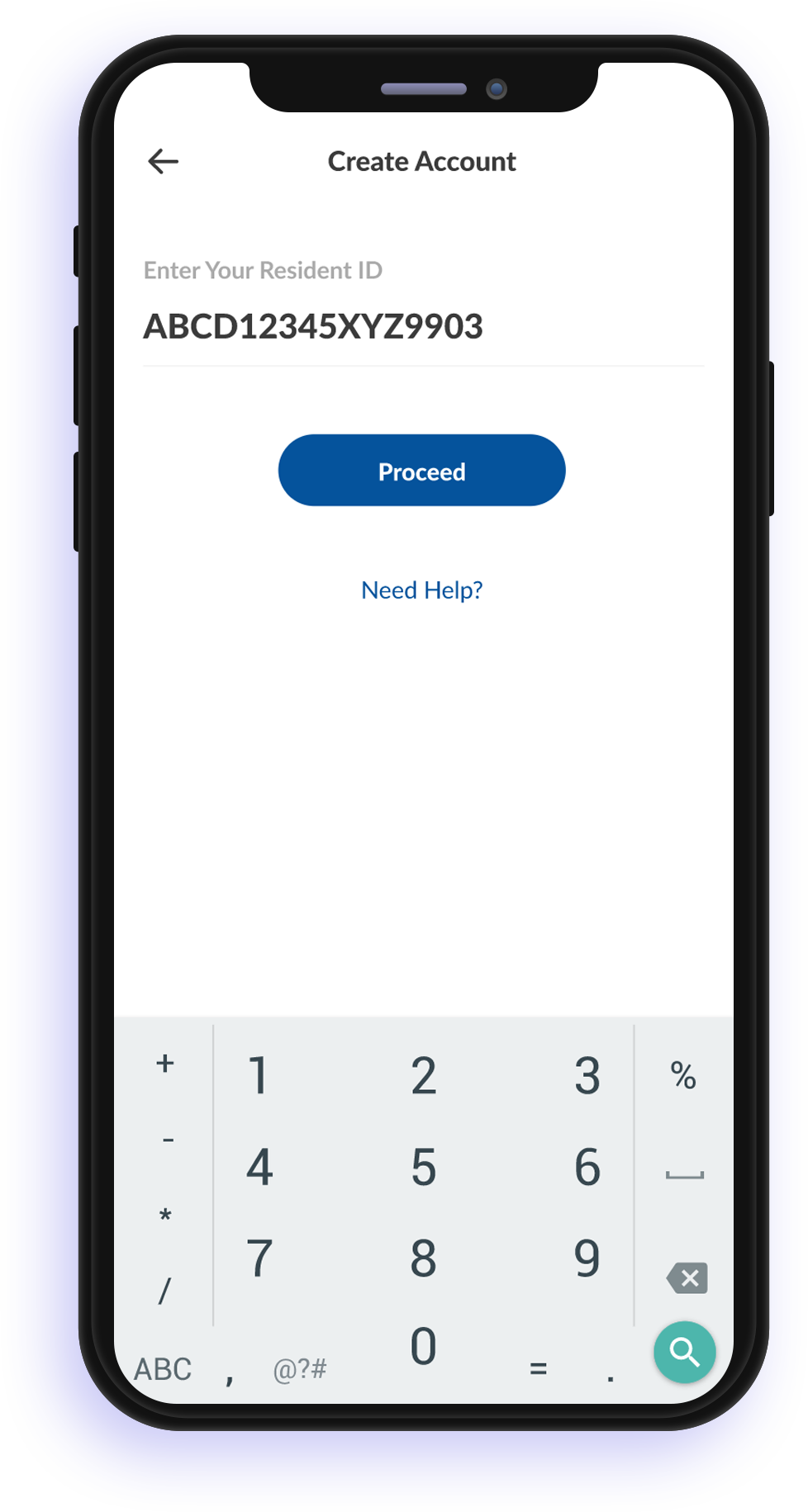
  • 6. Enter your ID number and upload ID images and a smart (is this necessary?) selfie.
  • 6. The application will automatically scan your ID image and populate the relevant details.
  • 7. Verify and click on submit.
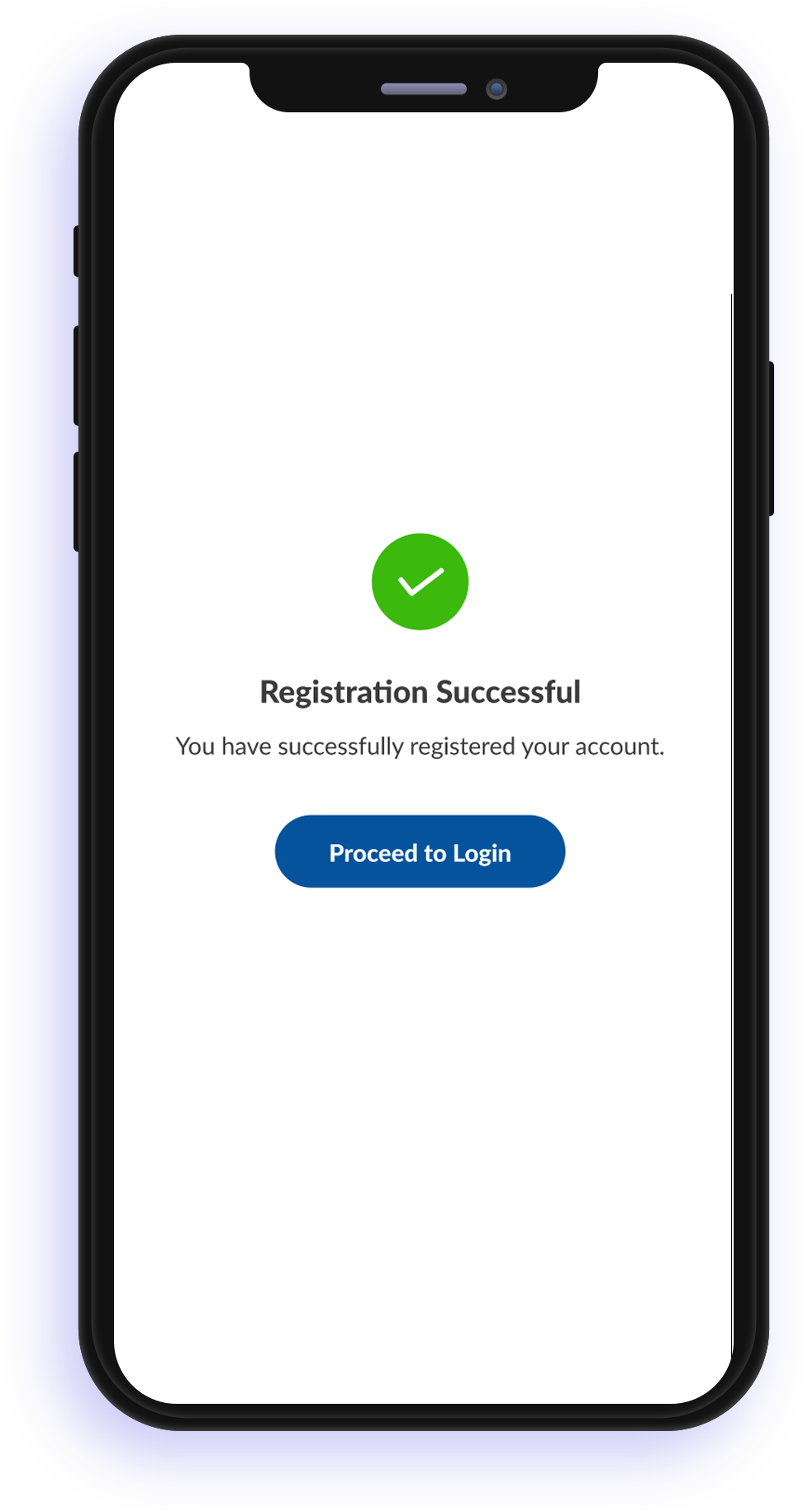
  • 8. A successful registration completion message will be displayed.

Set An Alias Name

This is an option to set an alias name for your Pay+ wallet account. An alias name helps to mask account details, including mobile number and ID number.

For sending and receiving money, you can then just provide your alias name to make transactions.

The alias name will be in the format of xxxxxxxx@ Pay+ where xxxxxxx can be a combination of letters and numbers.

This will be unique identificationyou’re your Pay+ wallet account.

Security

We take your security seriously.

Pay+ protects your payment information with industry-leading security technologies to ensure privacy of payment transactions.
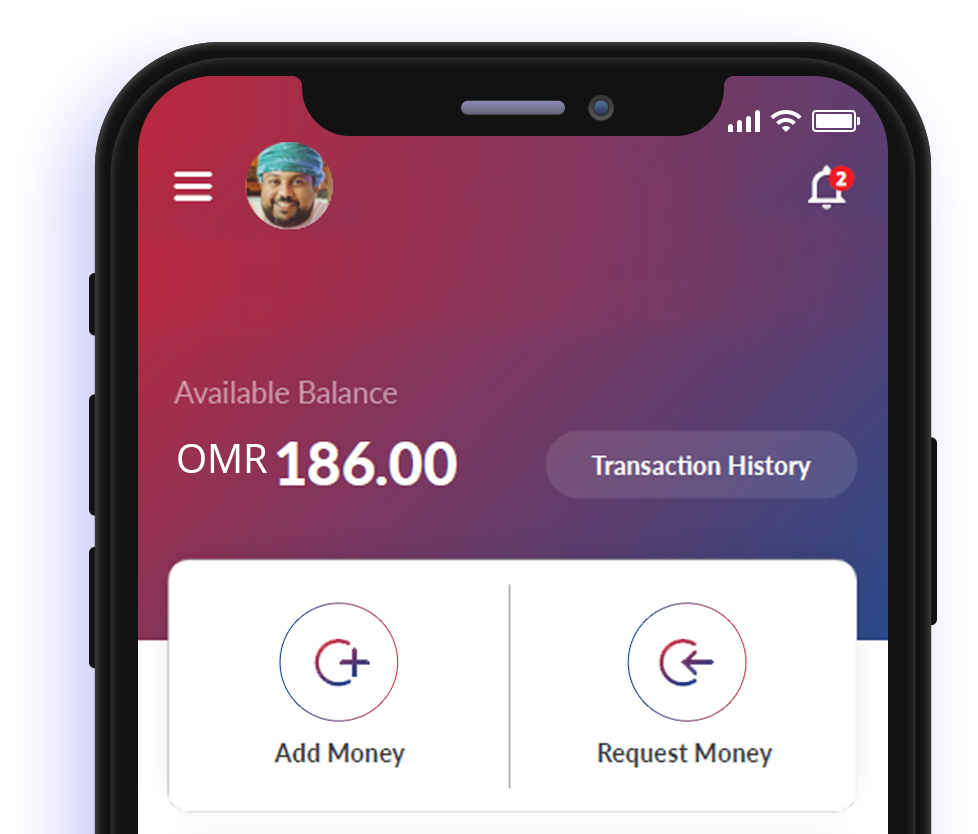
GETTING STARTED

Whether you’re on iOS or Andriod, its simple to register for and install Pay+. All you need is a phone with a camera, a National ID and 2 minutes of your time to download your ticket to easy payments.

© 2026 Pay+, Inc. All rights reserved.